

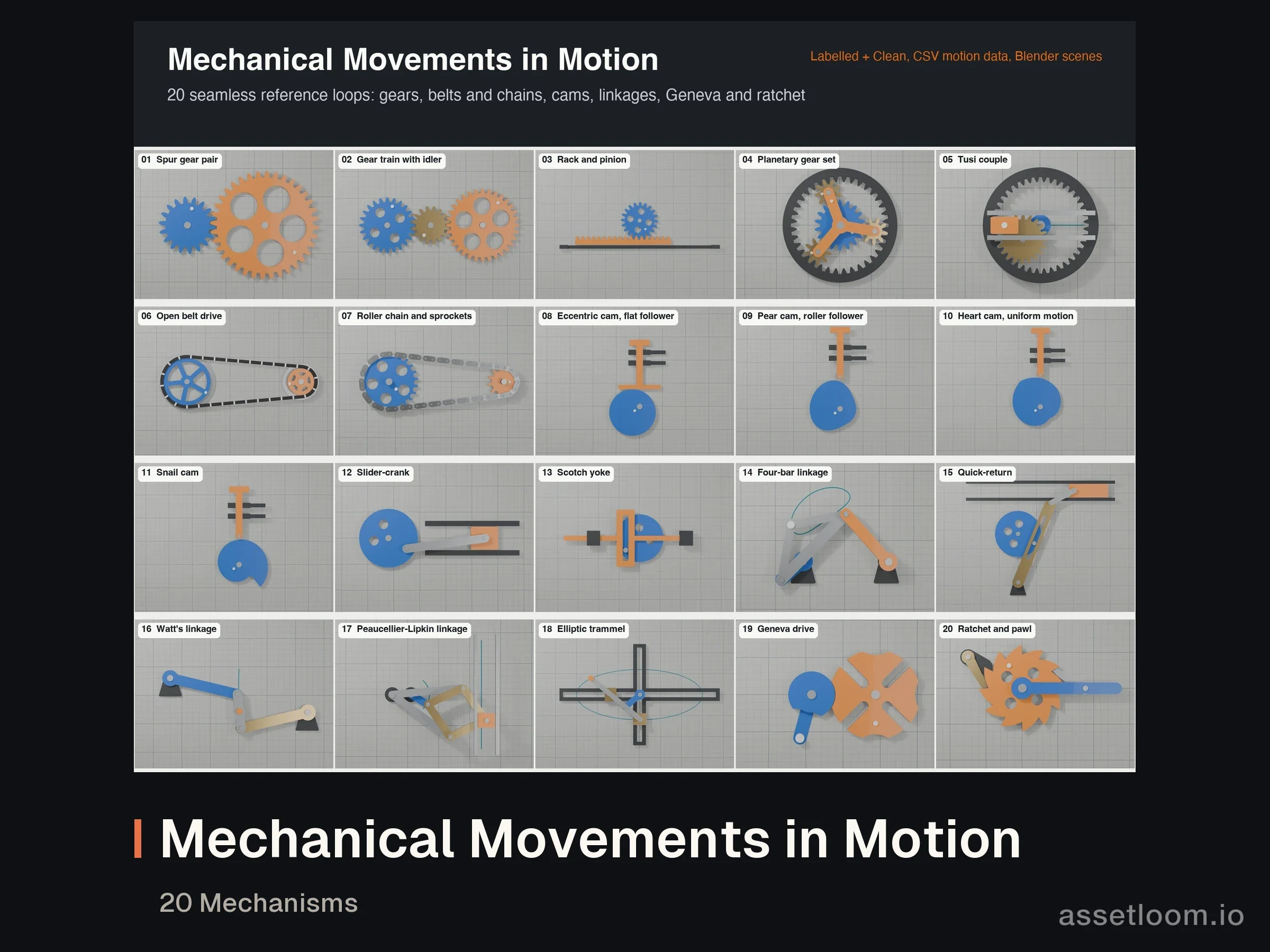

Files validated
- Video preview
Mechanical Movements in Motion: 20 Mechanisms
MP4 · CSV · BLEND · MD
200 creditsNo reviews yet
A frame-accurate video reference for easing. Each curve is shown moving four ways at once, with a spacing chart that marks where every frame lands and the numbers behind it. Made for animators learning timing and spacing, motion designers choosing an ease, UI and web developers who want a matching cubic-bezier(), and teachers who need a clear demonstration.
| # | Group | Curves |
|---|---|---|
| 01 | Linear | the reference |
| 02 to 31 | 10 families, each In, Out and In-Out | Sine, Quad, Cubic, Quart, Quint, Expo, Circ, Back, Elastic, Bounce |
| 32 to 35 | CSS keywords | ease, ease-in, ease-out, ease-in-out (exact) |
Same timing in every clip (0.5 s hold, 1.0 s move, 1.5 s hold) and the same value axis (-0.45 to 1.45), so overshoot stays on screen and clips compare directly.
curves.json with formulas and measurementsINDEX.md and index.csv with formulas, half-way times, overshoot and cubic-bezier fitsThe CSS keywords are exact. For the other curves we fitted the closest cubic-bezier() and measured its largest error over the whole move; a fit is listed only when it stays within 0.02 (2 % of the travel). Circ In-Out, Back In-Out, Elastic and Bounce cannot be matched by one cubic-bezier, so use the CSV values or the formula.
These are clean 2D graphic references, not filmed footage, and each clip is a one-way move with holds rather than a seamless loop. The curves follow the standard, widely used definitions; other tools may use slightly different constants for Back, Elastic and Bounce.
Licensed via AssetLoom. See https://assetloom.io/licenses. Reselling or redistributing the files is not allowed.
Latest version 1.1.0, released .
1.1.0
Documentation tidy-up: README with the product name, version, licence and support details, and current product names. No changes to the models or files.
1.0.0
MP4 · CSV · BLEND · MD
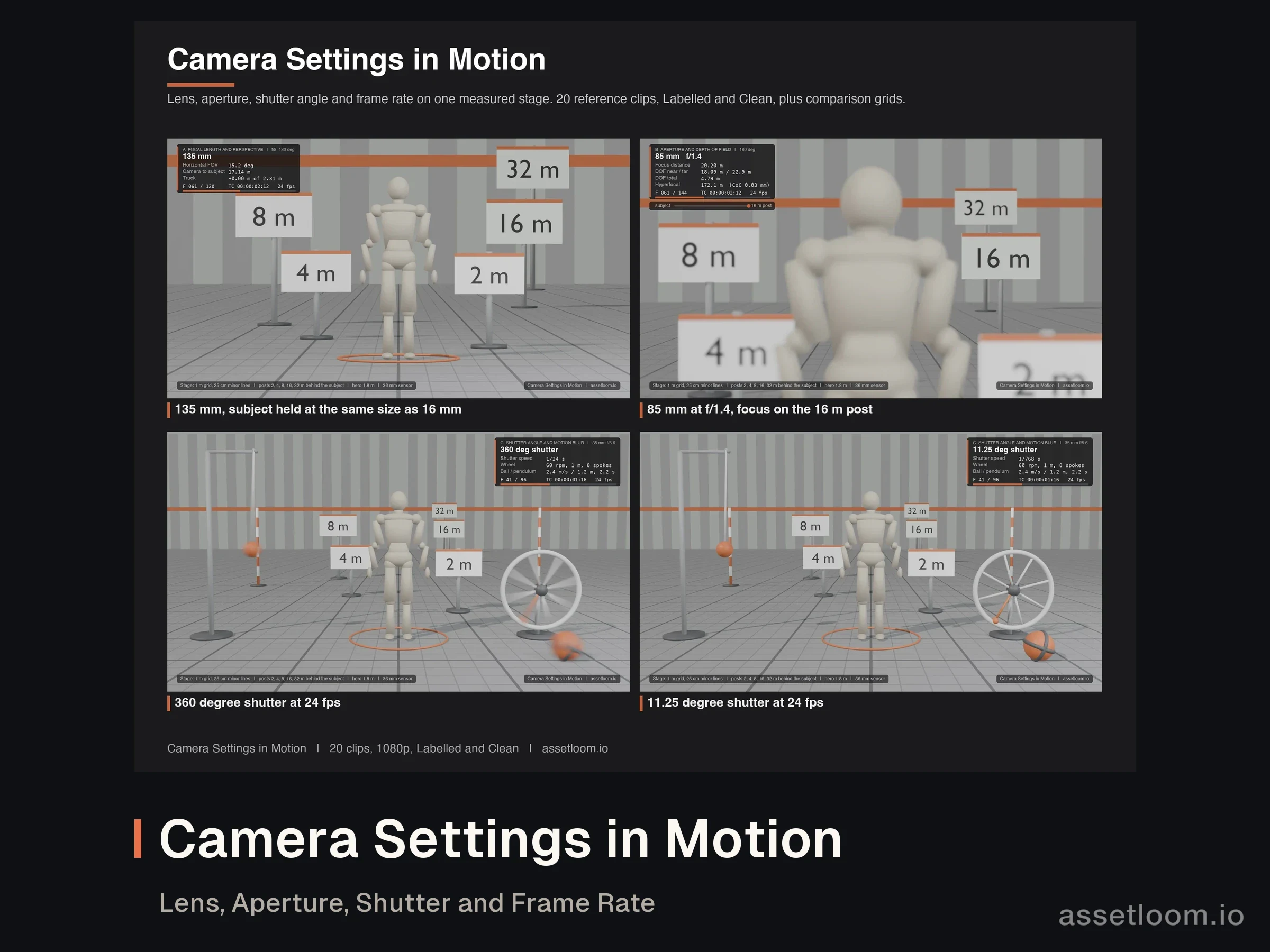
MP4 · CSV · MD
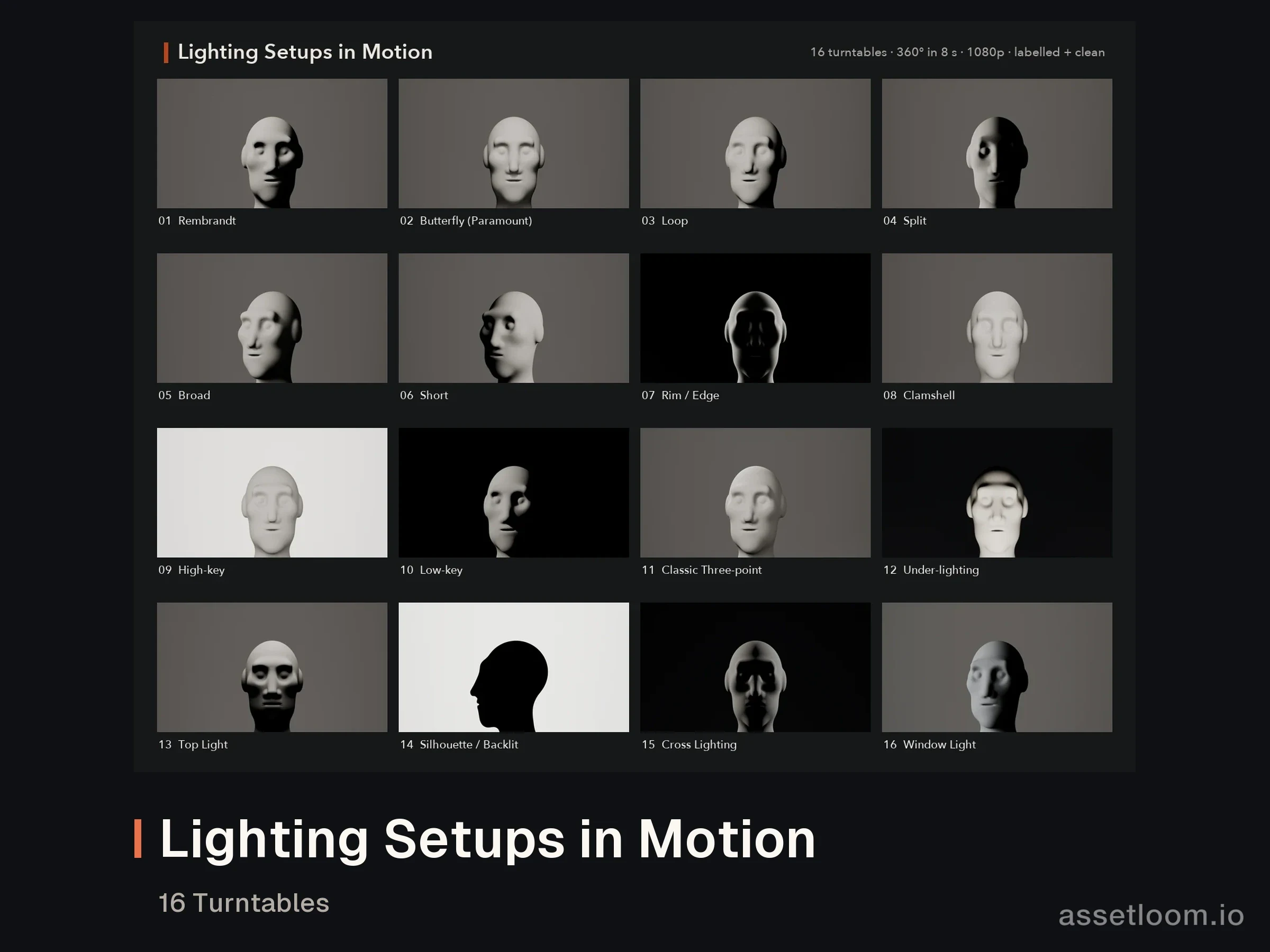
MP4 · CSV · MD · TXT
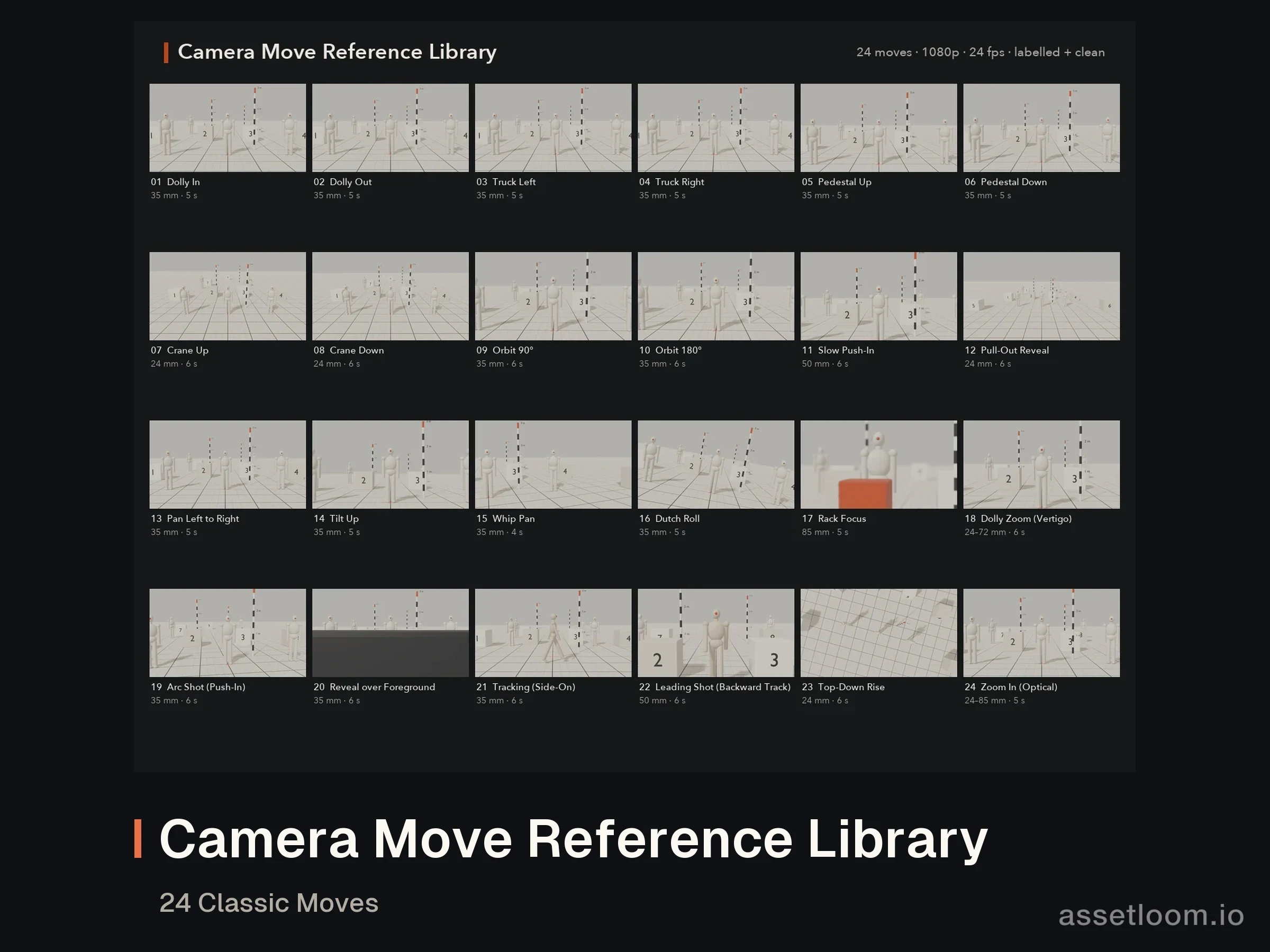
MP4 · CSV · MD · TXT
Own this asset? Sign in to review it.
No reviews yet. Owners can share how the asset worked for them.
Sign in to ask the creator a question.
No questions yet. Ask about formats, compatibility or licensing.