


Files validated
- Video preview
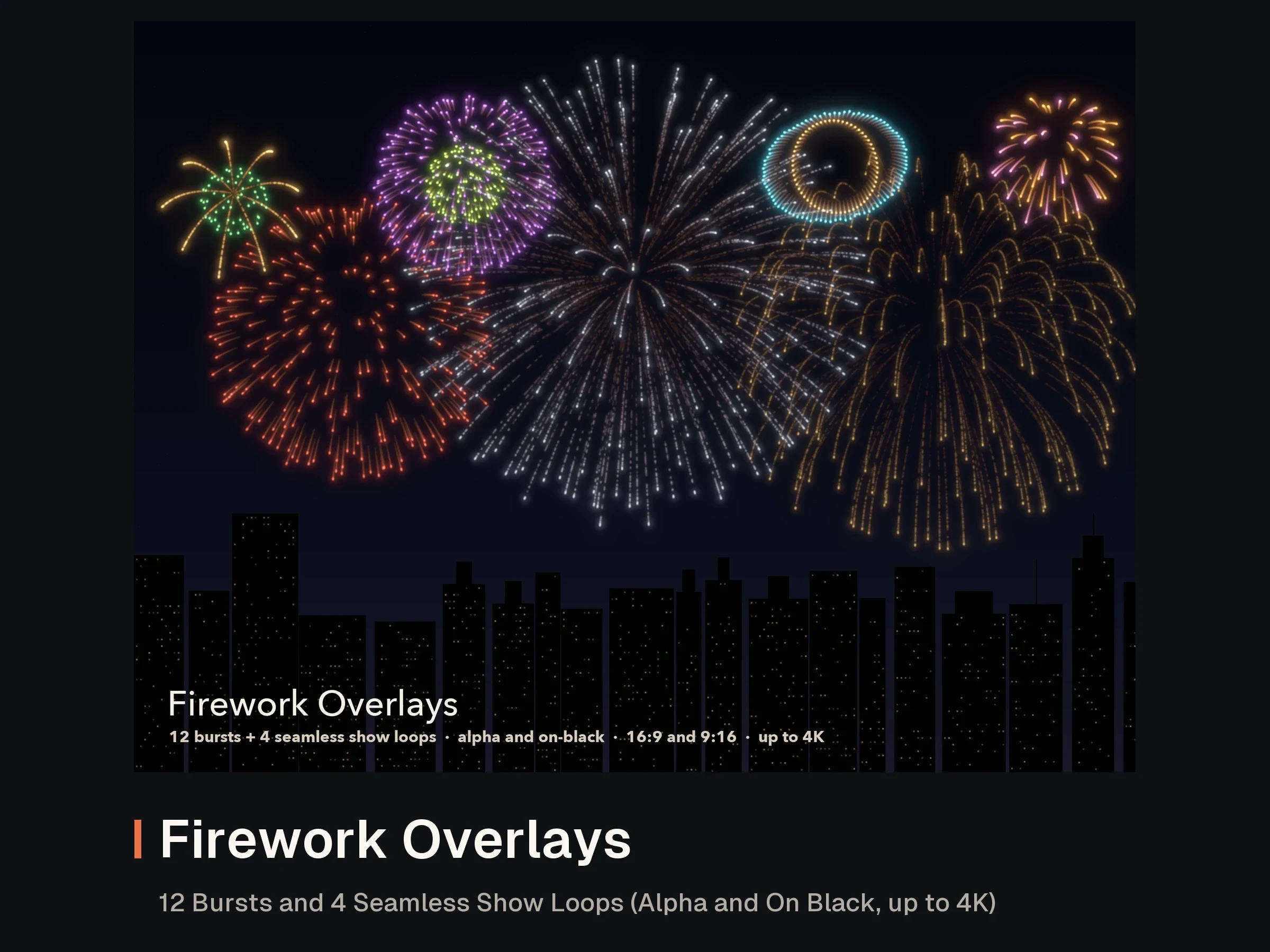
Firework Overlays: 12 Bursts and 4 Seamless Show Loops (Alpha and On Black, up to 4K)
MP4 · MOV · CSV · TXT
from 150 creditsNo reviews yet
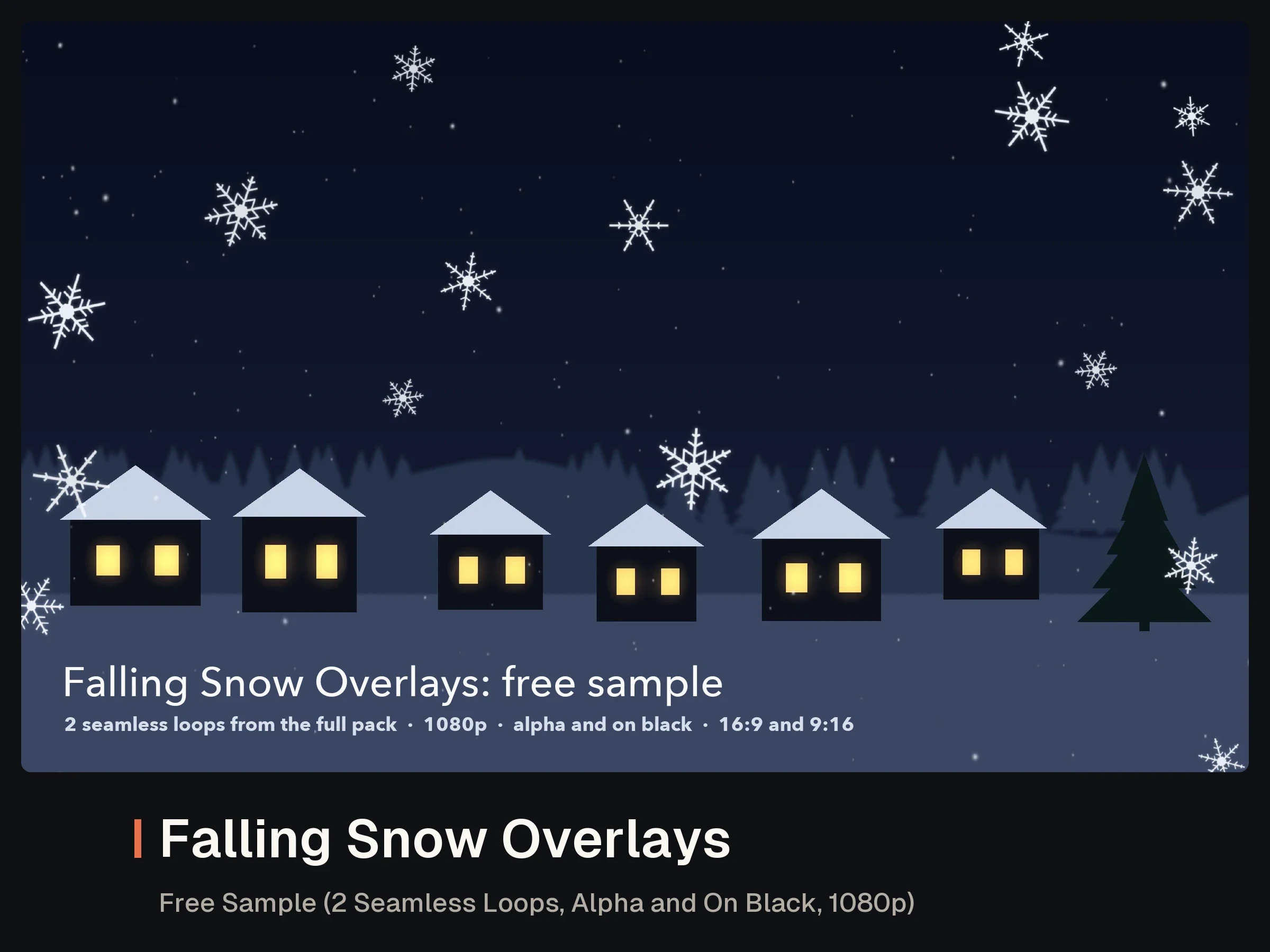
Twelve falling snow overlays for video edits, social posts, title sequences and winter adverts. Every clip is a seamless 10 second loop, comes with Apple ProRes 4444 alpha at 720p and 1080p for Normal blending over any footage, and on black (for Screen blending, or as a luma matte) up to 4K. Every clip comes in horizontal 16:9 and vertical 9:16 for Reels, TikTok and Shorts; the vertical versions are simulated for the tall frame, not cropped.
Made for Christmas and winter edits, festive product shots, cosy vlogs and seasonal titles.
| # | Depth layers (stack them) | # | Complete looks |
|---|---|---|---|
| 01 | Far layer: fine distant snow | 05 | Light flurry |
| 02 | Mid layer: medium flakes | 06 | Steady snowfall |
| 03 | Near layer: large close flakes | 07 | Heavy snowfall |
| 04 | Foreground bokeh: out-of-focus flakes | 08 | Windy snow (drifting left to right) |
| 09 | Blizzard (strong gusting wind) | ||
| 10 | Big soft flakes, slow | ||
| 11 | Crystal snowflakes, spinning | ||
| 12 | Sparkle snow (twinkling flakes) |
Every loop is 300 frames at 30 fps and repeats with no jump: the frame after the last is identical to the first. Mirror a clip for wind from the other side.
| Option | With alpha (ProRes 4444) | On black (H.264 MP4) |
|---|---|---|
| 720p | 1280 × 720 and 720 × 1280 | 1280 × 720 and 720 × 1280 |
| 1080p | 1920 × 1080 and 1080 × 1920 | 1920 × 1080 and 1080 × 1920 |
| 4K | 1080p and 720p alpha files included | 3840 × 2160 and 2160 × 3840 |
Higher options include the lower ones' files. At 4K the snow comes on black only: 4K ProRes 4444 of dense snow runs to 25 to 50 MB per second. Because the snow is a single colour, the 4K on-black file works as a clean luma matte (a white solid with a Luma track matte in After Effects, or a luma key in Resolve) for alpha-style results.
Each flake has its own size, opacity, fall speed, sway and flutter, from fine far specks to large close flakes and soft out-of-focus bokeh, all rendered at 4K with 180 degree motion blur. The wind and blizzard loops add drift and gusts; the crystal loop uses stylised six-armed snowflakes that turn as they fall. The 1080p and 720p files are downsampled from the same 4K frames. No audio.
Put the ProRes clip above your footage with Normal blending; the alpha is straight, so in DaVinci Resolve set the alpha mode to Straight if edges look dark. For on-black files set the blend mode to Screen (or Add) in Premiere Pro, After Effects, Final Cut Pro or DaVinci Resolve; Screen works best over darker footage. Stack the four depth layers for a custom look.
Made by AssetLoom. No footage, samples, templates or AI-generated media.
Licensed via AssetLoom. See https://assetloom.io/licenses. Reselling or redistributing the files is not allowed.
A shared README plus downloads per quality option (each with horizontal and vertical folders and an index.csv): 720p about 711 MB, 1080p about 1352 MB, 4K about 141 MB.
Latest version 1.1.1, released .
1.1.1
Documentation: the separate README download now matches the README inside the zips. No changes to the clips or files.
1.1.0
Documentation tidy-up: README with the product name, version, licence and support details, and current product names. No changes to the models or files.
1.0.1
File tidy-up: cleaner notes; no changes to the content.
1.0.0
MP4 · MOV · CSV · TXT
MOV · MP4 · TXT
MOV · MP4 · CSV · TXT
MOV · PNG · CSV · TXT
Own this asset? Sign in to review it.
No reviews yet. Owners can share how the asset worked for them.
Sign in to ask the creator a question.
No questions yet. Ask about formats, compatibility or licensing.