

AI 3D generation in late 2026: what is game-ready and what isn't
Native quads, auto UVs and auto-rigging arrived this autumn. What AI 3D tools now do, what the licences allow, and what still needs a person in Blender.
By AssetLoom Team, published , Updated , 6 min read
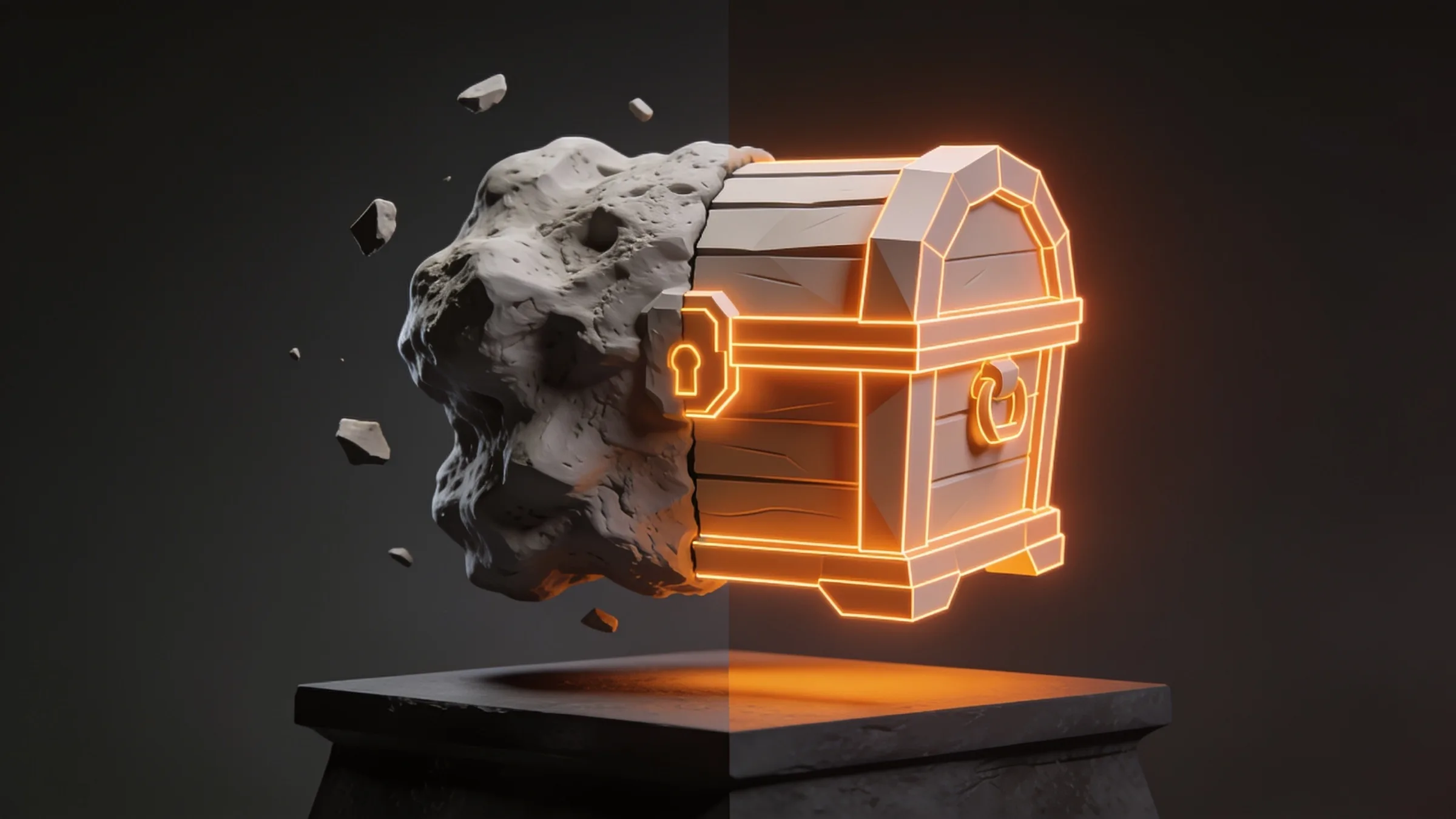
AI 3D generation moved quickly this autumn. Several tools now advertise quad meshes, automatic UVs and one-click rigging, which were the usual reasons an AI model could not go straight into a game. So what is actually game-ready in late 2026, and what still needs a person in Blender? This post looks at what the tools themselves say they do, what the licences allow, and which steps still need a person.
What "game-ready" means
A model that looks good in a turntable is not yet a game asset. Before something goes into Unity, Unreal or Godot it usually needs:
- A sensible triangle budget for its role, plus lower levels of detail (LODs) for distance.
- Clean topology, with edge loops where the model bends if it will be animated.
- Non-overlapping UVs and textures baked to them: base colour, normal, roughness, metallic and ambient occlusion.
- Correct scale, orientation and pivot, so it sits on the floor and turns around the right point.
- Simple collision shapes rather than the render mesh.
- For characters, a rig and skin weights that match the skeleton your animations use.
- A licence that lets you ship it commercially where your players live.
Each item below maps to one of those.
Topology: native quads have arrived
Until recently, image-to-3D models produced dense triangle soups that had to be retopologised before anyone could rig or edit them. That is starting to change. Tripo released its P2.0 model on 21 September 2026; its own update post says it generates native quad meshes with 500 to 25,000 faces, and lets you regenerate one region of a mesh without touching the rest. VoxelMatters reported that triangle output goes up to 50,000 faces and one prompt can return up to four versions at different face counts.
Meshy took a similar step earlier: its web app changelog lists Smart Topology in July 2026, a model that makes low-poly meshes with part segmentation and a polygon count you control, and the September release notes describe Meshy 7.1 with more geometric detail for image-to-3D.
The other direction is still very much alive. Open research models such as Microsoft's TRELLIS.2 (MIT licence, 4 billion parameters) aim for maximum fidelity: the repository's own example exports a GLB with a decimation target of 1,000,000 faces and a 4096 px texture. That is a great source for baking detail, but it is not a mesh you would ship in a game as it is.
Quad-dominant is not the same as animation-ready
Quads make a mesh easier to edit and subdivide. For a character that bends, what matters is where the loops go: around the shoulders, elbows, knees and mouth. Check the edge flow at the joints before you rig, whatever tool made the mesh.
UVs and textures: automated, with limits
Automatic UV unwrapping is now a standard feature rather than a missing one. Tripo's Smart UV places seams and unwraps a model in about five seconds, according to the company, and works on models uploaded from other tools. Meshy's UV Unwrap API, added in June, accepts meshes of up to 40,000 faces, takes GLB input, and triangulates quad and n-gon meshes during unwrapping, so the result is always a triangle mesh. Its documentation tells you to reduce the face count first if a mesh is larger.
Lighting is the other texture problem. A texture generated from a photo often has shadows and highlights painted into the base colour, which looks wrong once your engine lights the model. Tripo added a Remove Lighting toggle for this in September, and Meshy's July notes mention cleaner lighting removal in its texture model. Whatever you use, look at the base colour map on its own: if you can see a shadow in it, it will fight your scene lighting.
Rigging and animation: humanoids first
Auto-rigging has improved most for standard humanoids. Tripo says it rebuilt its humanoid rigging with hand bones and offers skeleton presets for the UE5 Mannequin, Mixamo, VRM 1.0, Unity Humanoid and ActorCore. Matching a preset matters more than it sounds: animation clips only play cleanly on the skeleton they were made for, or on one you retarget to carefully.
What we would still check by hand: shoulders and hips in extreme poses, fingers when the hand grips something, and anything that is not a standard humanoid. Four-legged creatures, tails, wings and props with moving parts still tend to need a person to place the joints and paint the weights. If you are retargeting clips between skeletons, our guide to retargeting animations in Unity, Unreal and Godot covers the usual traps.
Licences: read them before you ship
Licences are where an AI model can stop being usable, however good it looks. Two examples from the open models:
- TRELLIS.2 is released under the MIT licence, but its README notes that some dependencies, including NVIDIA's nvdiffrast and nvdiffrec, are governed by their own licence terms. If you run it yourself, those terms apply too.
- Hunyuan3D 2.0's community licence states that it does not apply in the European Union, the United Kingdom and South Korea. It also requires a separate licence above 1 million monthly active users, and forbids using its outputs to improve other AI models.
Hosted services have their own terms, which often differ between free and paid plans. Read the terms for the plan you are actually on, check where your players are, and keep a note of which tool made each asset. Our guide to free game assets and commercial-use licences explains the common licence types if you are new to this.

What this means for you
The gap is closing, but these final steps usually still need a person: retopology for deformation, LODs, collision, rig fitting and a visual check in extreme poses.
- Props and blockouts: AI output is often good enough as a starting point today, especially for hard-surface objects. Expect to fix scale, pivots, LODs and collision.
- Hero assets: use AI meshes as a high-poly source and bake them onto your own low-poly mesh, rather than shipping them directly.
- Characters: check edge flow at the joints, test the rig in extreme poses and confirm the skeleton matches your animation library before you build on it.
- Textures: look for baked-in lighting in the base colour map, and re-bake if your engine's lighting looks flat or doubled.
- Licences: record which tool and plan made each asset, and check the territory and commercial terms before release.
Whichever way you make your assets, the same checklist applies. Our post on the defects we send back before an asset ships walks through the checks we run on every model, and the free Rigged Mannequin is a handy reference skeleton for testing how any character deforms.
Sources
- What's New on Tripo | September (opens in a new tab), Tripo AI,
- Tripo AI launches P2.0 model to generate native quad meshes for production pipelines (opens in a new tab), VoxelMatters,
- Web App Changelog (July to September 2026) (opens in a new tab), Meshy,
- API Changelog (UV Unwrap API, 15 June 2026) (opens in a new tab), Meshy,
- TRELLIS.2: Native and Compact Structured Latents for 3D Generation (opens in a new tab), Microsoft,
- Tencent Hunyuan 3D 2.0 Community License Agreement (opens in a new tab), Tencent,
Spotted a mistake or have a question? Email support@assetloom.io.
More from the blog
All posts
AI & industry
Unreal Engine 5.9 Preview puts AI agents in the editor: what game developers should know
Epic's Unreal Engine 5.9 MegaJam Preview adds editor AI agents, Unreal Canvas for generated meshes and AI animation. What shipped and what to check.
, 6 min read

Behind the build
How we make animation clips that chain, loop and keep hands on the body
One shared idle, Start/Loop/End clips and hands that stay on the skin: how we build humanoid clip packs with no pops at the seams, and what you can reuse.
, 7 min read

AI & industry
Half of October's new Steam games disclosed AI content: what Steam asks and how to be ready
49.9% of October 2026's new Steam games disclosed AI content. What Steam's AI disclosure asks, what Valve said, and how to keep a provenance record.
, 6 min read