

Halloween characters and monster animations for your game, ready before 31 October
18 rigged Halloween characters, 13 monster animation clips and a free way to try them in AssetLoom Studio. FBX and GLB for Unity, Unreal, Godot and Blender.
By AssetLoom Team, published , 3 min read
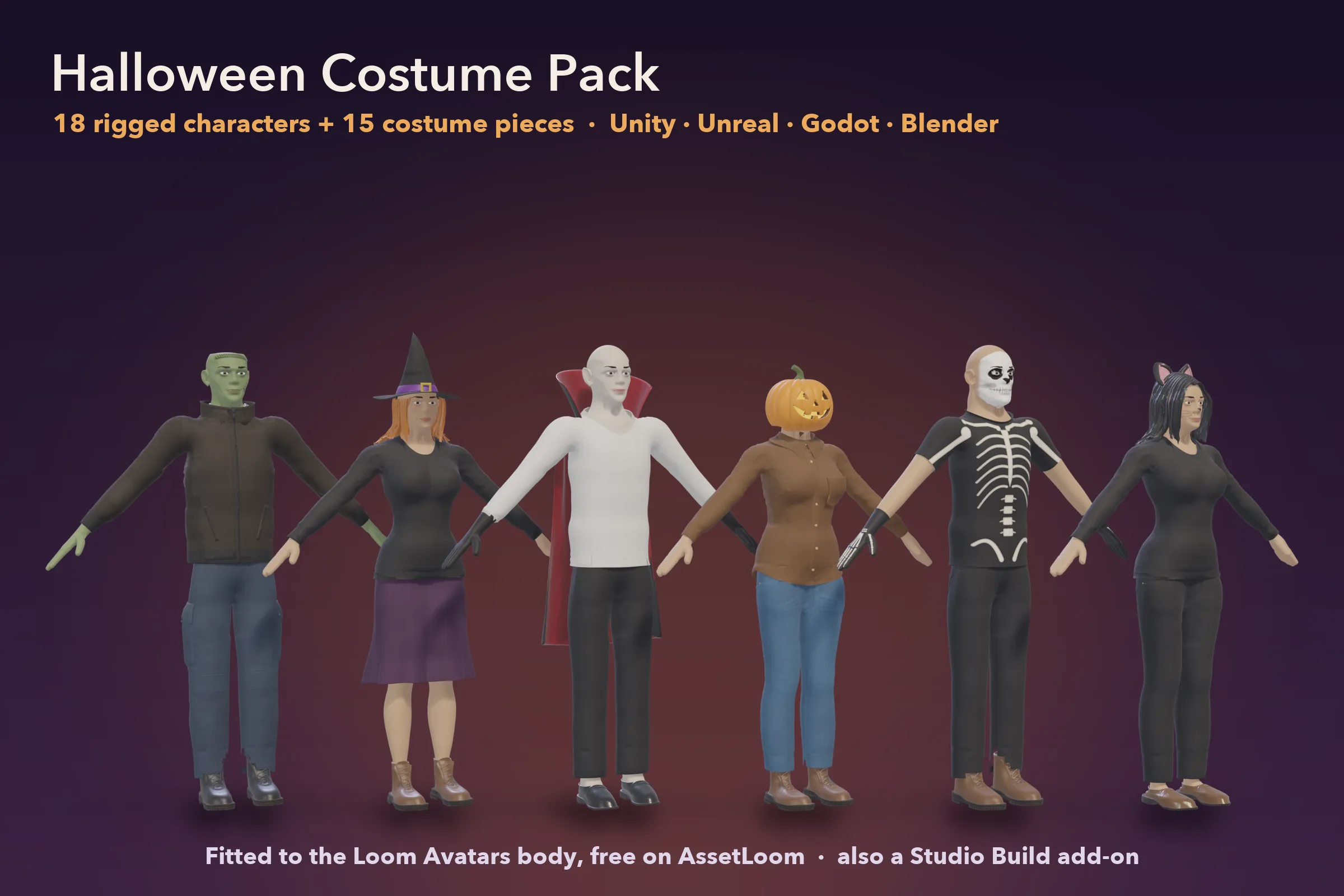
If your game needs a Halloween update, a seasonal level or a few spooky NPCs before 31 October, two of our packs cover most of it: 18 rigged Halloween characters and 13 monster animation clips. Both are FBX and GLB, ready for Unity, Unreal Engine, Godot and Blender, and both work in AssetLoom Studio, where you can build and preview a character for free before you spend anything.
The characters
The Halloween Costume Pack has nine costumed characters on each of our two bodies, so 18 in total:
- Vampire, zombie and Frankenstein's monster
- Pumpkin head, scarecrow and witch
- Skeleton, little devil and black cat
Each one is ready to drop in: body, head, costume and rig in one skinned mesh, exported as FBX for Unity, FBX for Unreal and GLB. The pack also includes every costume piece on its own (three heads, the vampire cape, hats, headbands, gloves and more), so you can mix your own versions.
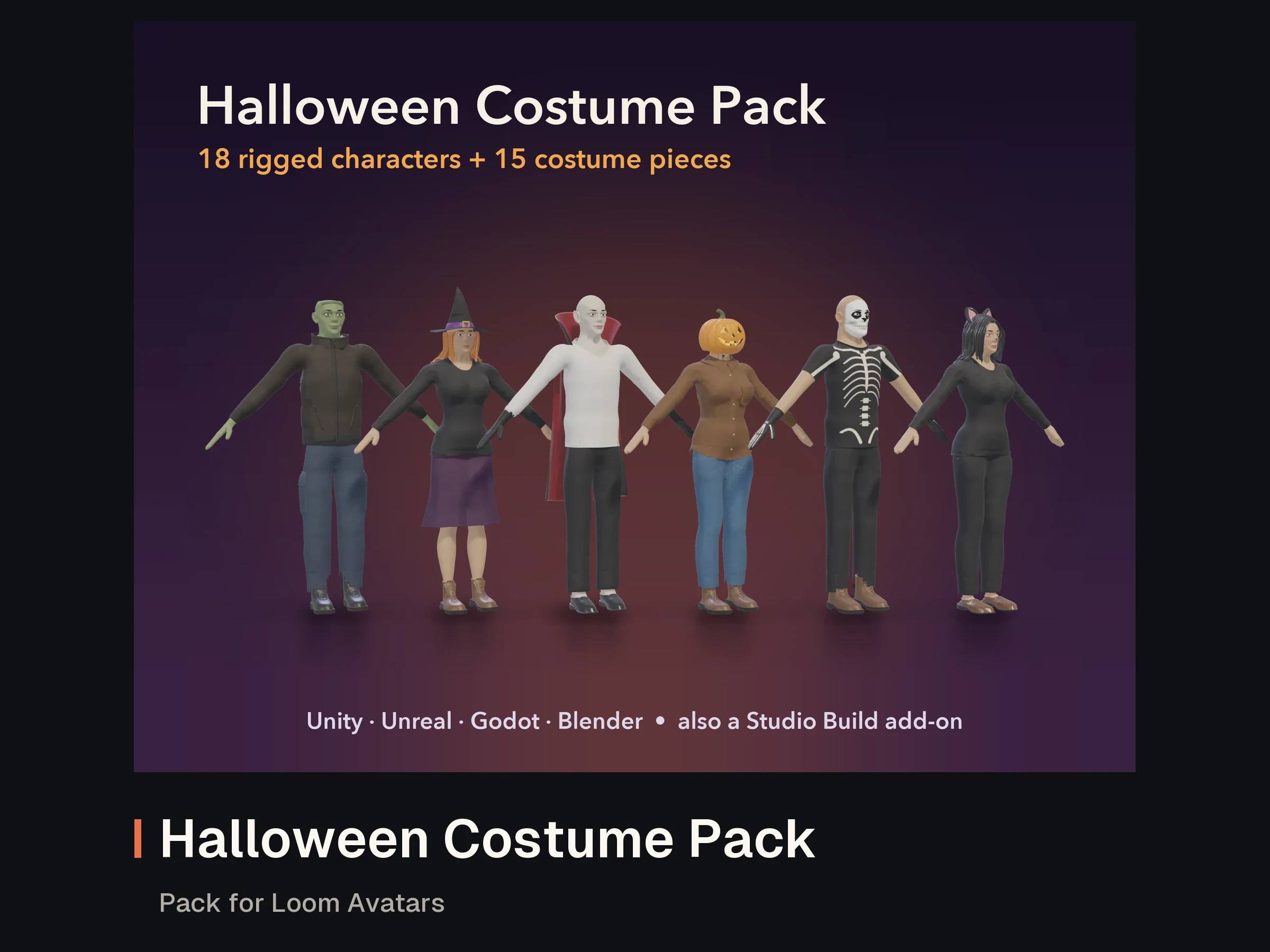

Halloween Costume Pack for Loom Avatars
Pack for Loom Avatars: Masculine Starter or Loom Avatars: Feminine Starter
- 1
The animations
The Halloween Monster Animation Pack has 13 original clips on the same humanoid skeleton, in root-motion and in-place versions:
- A zombie set: shambling walk, lurching run, idle sway, grab, bite, hit reaction, death fall and rise from the ground
- A mummy stiff walk, a vampire cape reveal and hiss, and a werewolf howl
- A jump scare and a creeping tiptoe sneak
It is animation only, with no characters included, so the clips play on any character on our skeleton, including the costumed ones above, and retarget to other humanoids.
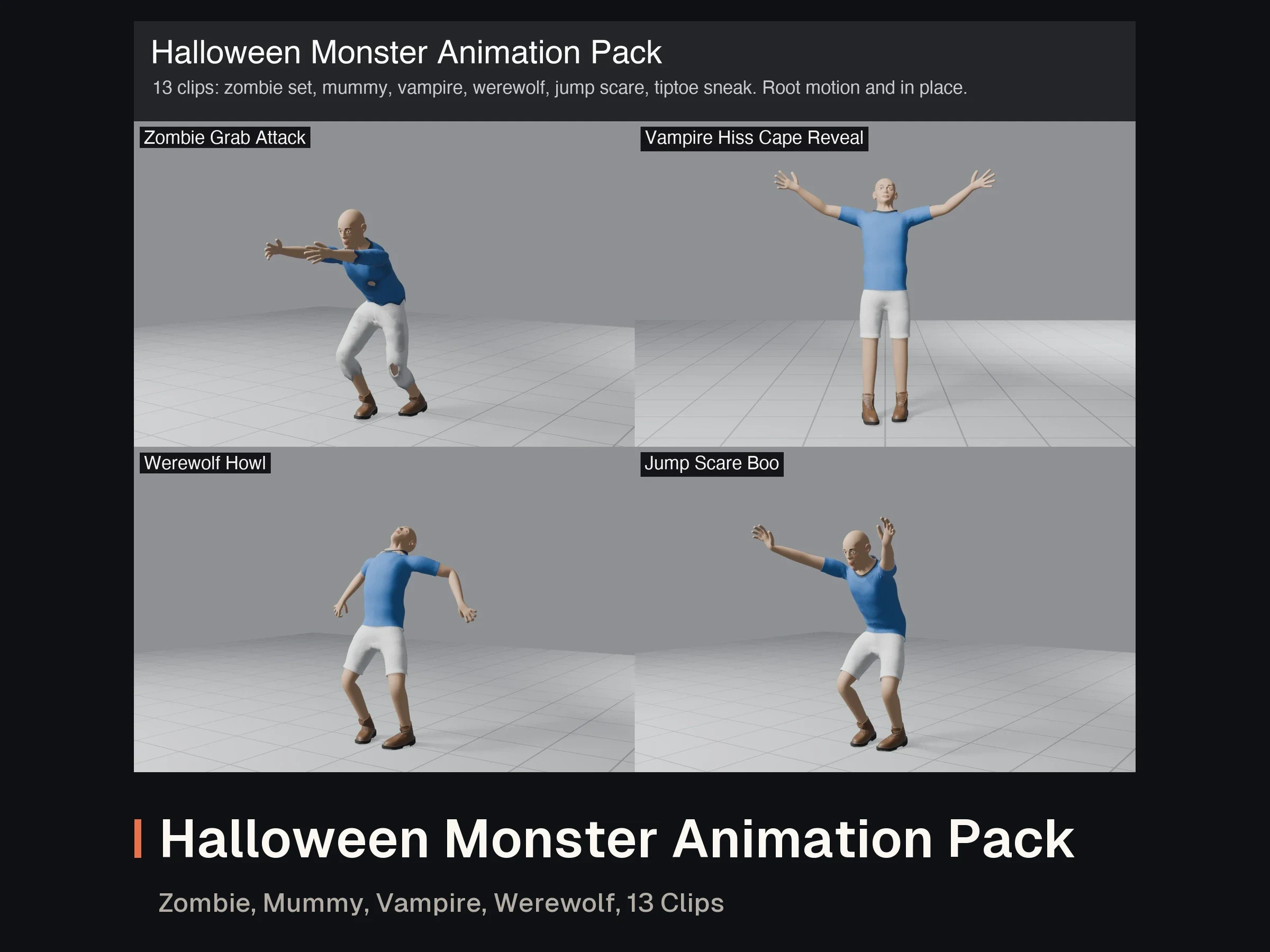
- Interactive 3D preview
- Video preview
Halloween Monster Animation Pack: Zombie, Mummy, Vampire, Werewolf, 19 Clips
FBX · GLB · BVH · BLEND · JSON · CSV · TXT
- 4
- 1
- 1
Try it in Studio first
AssetLoom Studio runs in your browser. Building and previewing are free; you only spend credits when you export a file.
- Get a free Loom Avatars Starter (masculine or feminine) and open it in Studio Build.
- Add the Halloween Costume Pack: its pieces appear next to the Starter's parts, so you can put a vampire cape on your own character or start from one of the Halloween looks.
- Save the character, switch to Animate and play clips on it. The free Starter Moves pack (idle, walk, run, jump, wave) gets you going; add the monster clips when you want them.
- Export one rigged FBX or GLB with your clips baked in.
New to AssetLoom?
New accounts get 200 welcome credits, enough for one Studio export. The getting started guide walks through Build, Animate and Export step by step.
What this means for you
If you only need finished characters, download the Costume Pack and use the FBX or GLB files directly; no Studio needed. If you want your own look, or the monster clips on your own character, build it in Studio and export once. Either way you can still ship a Halloween update this week.
Spotted a mistake or have a question? Email support@assetloom.io.
More from the blog
All posts
AI & industry
Unreal Engine 5.9 Preview puts AI agents in the editor: what game developers should know
Epic's Unreal Engine 5.9 MegaJam Preview adds editor AI agents, Unreal Canvas for generated meshes and AI animation. What shipped and what to check.
, 6 min read
Behind the build
How we make animation clips that chain, loop and keep hands on the body
One shared idle, Start/Loop/End clips and hands that stay on the skin: how we build humanoid clip packs with no pops at the seams, and what you can reuse.
, 7 min read

AI & industry
Half of October's new Steam games disclosed AI content: what Steam asks and how to be ready
49.9% of October 2026's new Steam games disclosed AI content. What Steam's AI disclosure asks, what Valve said, and how to keep a provenance record.
, 6 min read