

How we build a modular character kit, from base mesh to swappable parts
One skeleton, slots, matched seams, covers and shared sliders: how we build the Loom Avatars Starters and Packs so any outfit fits and exports cleanly.
By AssetLoom Team, published , Updated , 5 min read
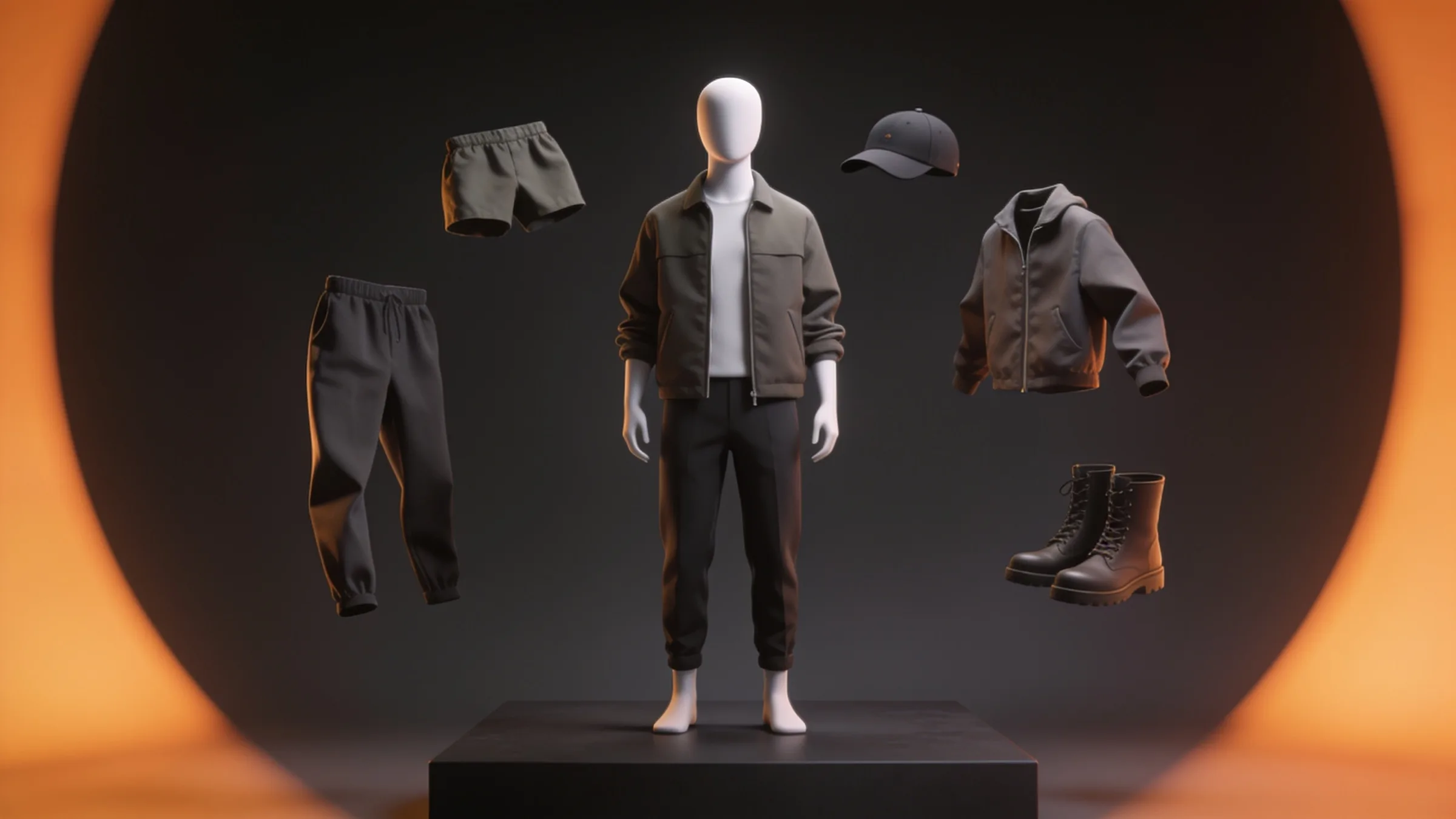
A modular character kit only works if every part agrees with every other part. A jacket has to meet the neck of every head, follow the body when you slide its weight up, hide the skin underneath it and still bend cleanly when the character crouches. This post walks through how we build our Loom Avatars Starters and their Packs: the shared skeleton, the slots, the seams, the sliders, and the poses we test them in.
Start with one skeleton and never change it
Every humanoid we sell is built on the same 53-bone core skeleton, the one in our free Rigged Mannequin. The bone names, rest pose and bone orientations are fixed. If a character needs something extra, such as a tail, it gets additional bones with an x_ prefix, and the 53 core bones stay exactly as they are, so the extras never get in the way of a shared clip.
That rule is what lets any of our animation packs play on any of our characters, and it is why a build from Studio can go straight into Animate. It also means a rig mistake is expensive: when we found an unmirrored right thumb in the shared rig, the fix meant republishing every animation pack as a new version. Every rig file is now checked against the shared skeleton before release.
A Starter is a whole character, Packs fill its slots
A Starter builds a complete, connected thing from one build. For Loom Avatars that is a body, heads, hair, tops, bottoms, shoes and headwear, each in its own slot. The free Masculine Starter ships 3 heads, 5 hairstyles, 6 tops, 5 bottoms, 3 shoes, 3 hats, 19 sliders, 11 colour slots and 15 presets.
A Pack never brings its own builder. It adds more parts and presets into the same slots, so a costume from the Halloween Costume Pack or track pants from the Sportswear Pack sits next to the Starter's own clothes in the same lists. The masculine and feminine bodies are separate Starters, and one Pack covers both: you buy it once and it attaches to whichever Starter you own.
From base mesh to parts
Every garment is built to deform cleanly on the shared body.
A few habits help:
- Hems and cuffs are clean rings. A turned-over hem built as a proper loop of geometry reads as cloth; a cut edge reads as cardboard.
- Detail lives in the normal map. Stitches, seams and weave live in the normal map, so the triangle count stays sensible.
- Every material name is a contract. Colour slots work by material name, so a part that renames its material silently loses its recolour.
Seams, covers and why nothing pokes through
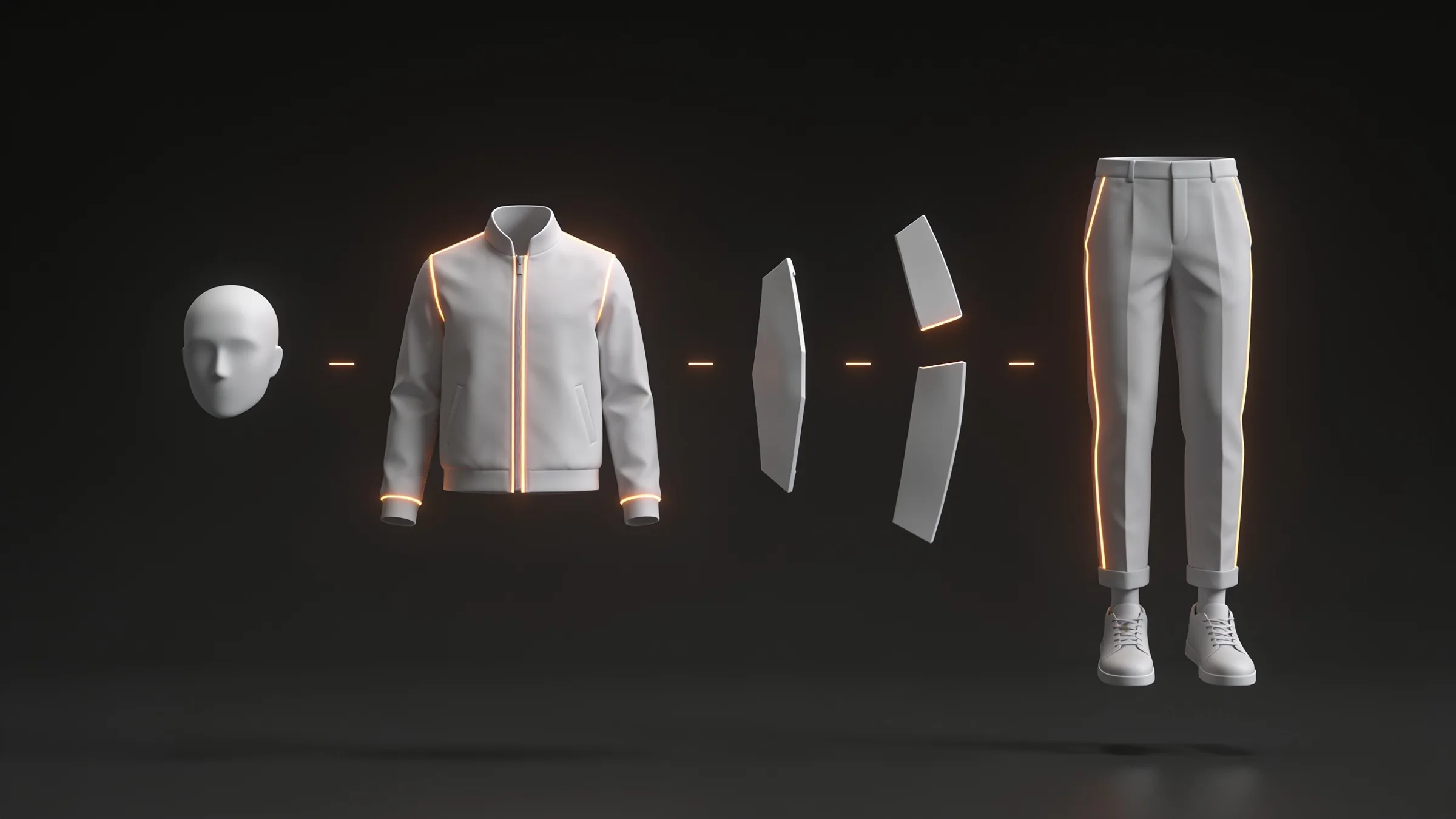
Parts meet at the neck, wrists, waist and ankles. Clothes move with the body underneath them, and parts meet without gaps, so the merged character shows no seam where a head meets a body.
Clothing also declares which body regions it covers: torso, upper arms, thighs, feet and so on. When you wear it, Studio removes the covered skin, which is what stops an elbow pushing through a sleeve in an extreme pose. The same idea works between parts: boots cover the hem of trousers, so the trouser leg tucks in; a hat covers the crown of the hair, so the hair is hidden under the hat and still shows below the brim.
Because fit is solved by covers, we allow every combination. There is no list of items that can't be worn together just because they clip.
Sliders that move every part together
Body sliders such as weight, muscle, age and jaw are shape keys with the same name on every part. They move every part together, so seams stay closed at any value, and the outfit follows the body when you change it. Our guide to body shape sliders covers what each one does.
Height is the exception. A shape key moves the mesh but not the skeleton, so a tall shape key would leave the knees and elbows in the wrong place. Height scales the whole skeleton instead, by up to about 10% either way, and the mesh follows it.
Test the poses that break things
A garment that looks perfect in a T-pose tells you very little. Every part is checked in a set of extreme poses, including a deep crouch, a seated pose, raised arms and a guard stance. The usual failures are smears under the arms, a ballooning belly in a crouch, trousers denting at the crotch and black gaps opening at a neck or wrist.
A corrective shape key that fixes a crouch inside Blender does nothing in a game engine, because the engine won't drive it. So we fix crouching and sitting in the geometry and the skin weights, not with runtime correctives.
Every part also has a triangle budget, and so does a finished build, so a heavy hat can't quietly push a whole character over budget.
Export for your engine
When you export from Studio, the parts are merged into one skinned mesh on the shared skeleton, as FBX with Unity or Unreal presets, or as GLB. Face morphs are kept for lip sync, and the body shape keys stay in the file, so the body can still change in your engine. The Starters are free; you spend credits only when you export, and an export costs 200 credits.
If you would rather animate first, send the build to Studio Animate and add clips from your packs, starting with the free Starter Moves pack.
Tip
New to Studio? Getting started with AssetLoom Studio walks through Build, Animate and export in a few minutes.
What this means for you
- Any Loom Avatars build plays any of our humanoid animation packs, because they all share one skeleton.
- You can mix any top, bottom, shoes, hair and hat. Fit is handled by covers, not by a list of banned combinations.
- Sliders and colours change the whole outfit together, and the body shape keys survive the export.
- Packs extend the Starter you already have; you never learn a second builder.
- Every part was checked against our quality checklist before it shipped.
The quickest way to see all of this is to open the free Masculine or Feminine Starter in Studio, pick a preset and push a slider.
Spotted a mistake or have a question? Email support@assetloom.io.
More from the blog
All posts
AI & industry
Unreal Engine 5.9 Preview puts AI agents in the editor: what game developers should know
Epic's Unreal Engine 5.9 MegaJam Preview adds editor AI agents, Unreal Canvas for generated meshes and AI animation. What shipped and what to check.
, 6 min read
Behind the build
How we make animation clips that chain, loop and keep hands on the body
One shared idle, Start/Loop/End clips and hands that stay on the skin: how we build humanoid clip packs with no pops at the seams, and what you can reuse.
, 7 min read

AI & industry
Half of October's new Steam games disclosed AI content: what Steam asks and how to be ready
49.9% of October 2026's new Steam games disclosed AI content. What Steam's AI disclosure asks, what Valve said, and how to keep a provenance record.
, 6 min read