

Google's Gemini 4 Argon can drive Blender: what it means for 3D artists
Gemini 4 Argon writes code, not meshes. What Google showed for Blender, games and 3D printing, its limits and prices, and what it means for creators.
By AssetLoom Team, published , Updated , 5 min read

Google's newest flagship model, Gemini 4 Argon, became generally available on 13 October 2026, and Google's launch material is full of 3D: Blender scenes, browser games and a 3D-printable part. The headline for creators is simple. Argon does not generate meshes, textures or animation itself. It writes text and code, and with the right tools that code can drive Blender for you. Here is what it is, what Google showed, what it costs, and how to think about it if you make 3D work.
What Gemini 4 Argon actually is
Argon is a large language model from Google DeepMind. Google announced it on 30 September 2026, first for a small group of security testers, and opened it to paid Gemini API customers, Google AI Ultra subscribers and Google Cloud on 13 October. Google pitches it at long, multi-step coding, enterprise knowledge work and cyber defence, and reports leading scores on software engineering and long-video benchmarks.
The detail that matters most for 3D artists is in Google Cloud's model page: Argon accepts text, images, audio and video as input, but its only output is text. It has a context window of about one million tokens shared between input and output, and supports function calling, code execution, structured output and a preview of computer use. In other words, everything 3D it does happens through code it writes or tools it calls.
What Google showed for 3D
Google's 13 October post, "Gemini 4 Argon: Built to solve your hardest problems", gathers demos made by Google staff. The 3D ones are:
- Blender, driven by an agent. Google describes Argon running an autonomous loop in Blender, starting from a single image: aligning cameras, sculpting Gothic architecture and setting up audio-reactive lighting. A separate multi-agent "visual critique" loop in Google's Antigravity tool produced a pagoda temple complex.
- Blender MCP. Two demos name Blender MCP, the Model Context Protocol bridge that lets a model send commands to a running Blender. One used it to model and collision-check a desk racing game.
- Browser games in Three.js. The desk racer, built from photos of a real desk, and a 3D chess game with GLSL shaders and shatter physics, both playable from Google AI Studio.
- A 3D-printable part. From a sketch, measurements and a photo of a sofa, Argon designed replacement sofa legs and produced a printable file for one.
- Code-only rendering. A small ray tracer written in pure Python that rendered a sunlit library.
These are vendor demos, chosen by Google, so treat them as a picture of what is possible rather than what every prompt will give you. They also share a pattern: the model plans and writes code, a tool (Blender, a browser, a slicer-ready file format) does the geometry, and a loop of looking at the result and fixing it does the polishing.
What it can't do for your pipeline
Reading the documentation alongside the demos gives a clearer list of limits:
- No native 3D output. There is no mesh, texture or rig file straight from the model. If you want a GLB or FBX, something else has to build and export it, usually Blender under the model's instructions.
- Quality depends on the loop around it. The best Blender demos use multi-step agent loops with visual checks. A single prompt and a single script is a very different experience.
- It's slow to start at high effort. Independent measurements from Artificial Analysis, at Argon's High reasoning setting, show roughly 80 tokens per second and close to 50 seconds before the first token appears. That suits batch jobs and long agent runs more than quick back-and-forth.
- Some knobs are gone. Google's docs say custom temperature, top_p and top_k values are ignored, and fine-tuning is not supported.
- It isn't free. Google offers it as a hosted service through its API and apps, and the Gemini API has no free tier for it.
What it costs
Google's Gemini API pricing page lists Argon at $2 per million input tokens and $10 per million output tokens until 30 November 2026, then $4 and $20 from 1 December. Batch requests are half price. Output pricing includes the model's thinking tokens, which matters for long agent runs where the model reasons a lot before each step. Google AI Ultra subscribers can also use it in AI Studio and Antigravity, and Ultra and Pro subscribers in the Gemini app.
Prices change
These are the prices on Google's pricing page when we checked on 26 October 2026. Check the page itself before you plan a budget.
What this means for you
If you make 3D assets, games or prints, Argon is best read as a scripting and automation partner, not a model generator. A few practical takeaways:
- Blender users: the interesting part is agent-driven scripting through Blender MCP. Repetitive jobs (batch renaming, turntable renders, placing variations, setting up lights and cameras) are where a code-writing model tends to earn its keep. An agent edits whatever scene is open, so keep it saved and versioned.
- Game developers: the Three.js demos show quick, playable prototypes. Prototype logic and placeholder scenes are a realistic use; final art still needs proper meshes, UVs and rigs that hold up in your engine.
- 3D printers: the sofa-leg demo is a reminder that simple functional parts are the sweet spot for code-generated CAD. Check tolerances and wall thickness yourself before you print.
- Everyone: read the terms of whichever tool you use about who owns the output, and keep a human review step before anything goes into a product.
Whatever writes the scripts, the geometry has to come from somewhere. Agent-built scenes still depend on a library of solid, well-made parts to place and arrange, and on clean exports into your engine. If you want to see how a modular kit fits together, our Getting started with AssetLoom Studio guide walks through building and exporting from Starters and Packs, and Build a house in AssetLoom Studio covers the House Starter. For moving files between tools, FBX vs GLB vs BVH explains which format to pick.

Sources
- Gemini 4 Argon: our next era of frontier intelligence (opens in a new tab), Google,
- Gemini 4 Argon: Built to solve your hardest problems (opens in a new tab), Google,
- Gemini 4 Argon model page (opens in a new tab), Google Cloud documentation,
- Gemini Developer API pricing (opens in a new tab), Google AI for Developers,
- Gemini 4 Argon (High): intelligence, speed and price analysis (opens in a new tab), Artificial Analysis,
Spotted a mistake or have a question? Email support@assetloom.io.
More from the blog
All posts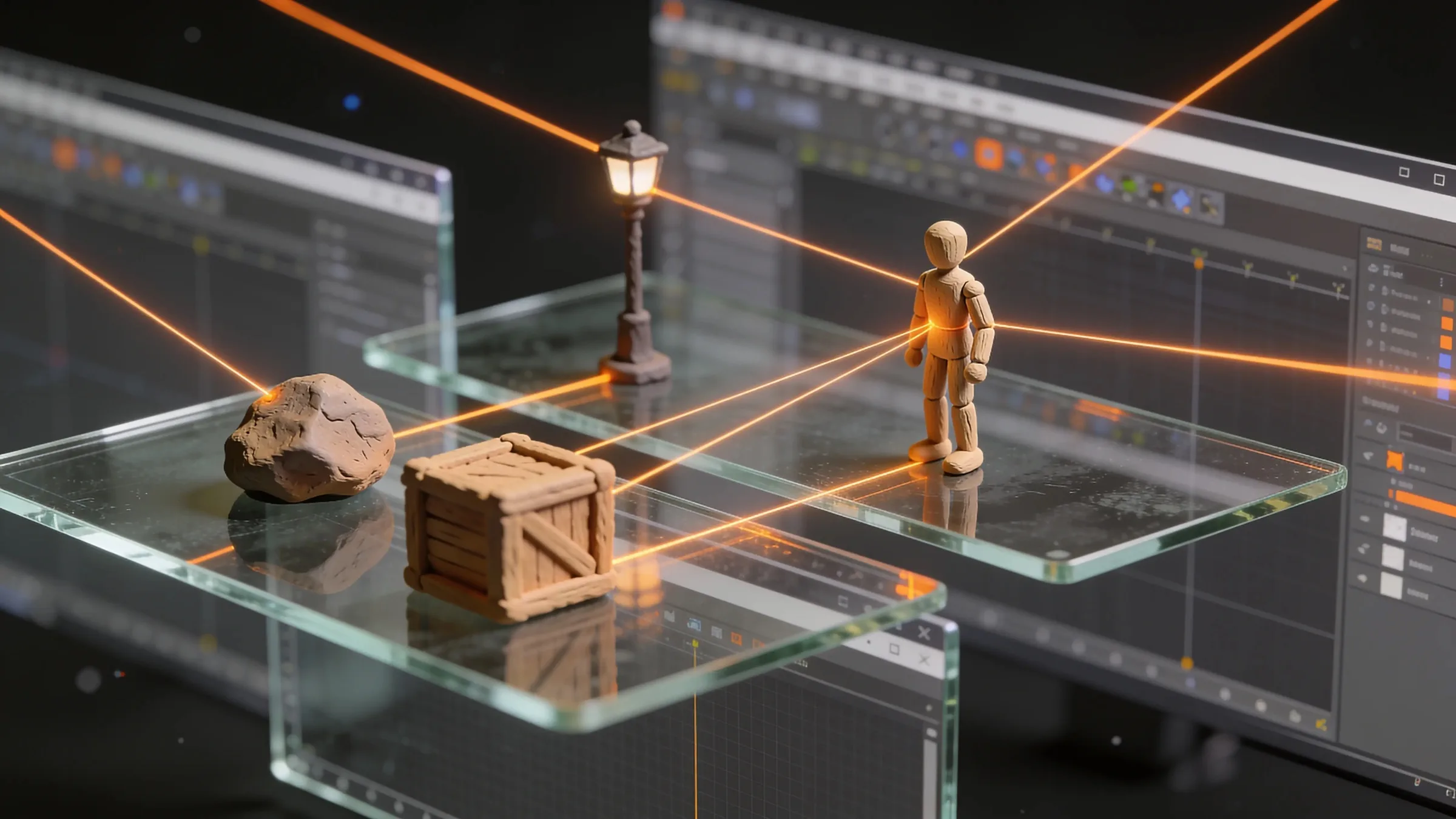
AI & industry
Unreal Engine 5.9 Preview puts AI agents in the editor: what game developers should know
Epic's Unreal Engine 5.9 MegaJam Preview adds editor AI agents, Unreal Canvas for generated meshes and AI animation. What shipped and what to check.
, 6 min read

Behind the build
How we make animation clips that chain, loop and keep hands on the body
One shared idle, Start/Loop/End clips and hands that stay on the skin: how we build humanoid clip packs with no pops at the seams, and what you can reuse.
, 7 min read

AI & industry
Half of October's new Steam games disclosed AI content: what Steam asks and how to be ready
49.9% of October 2026's new Steam games disclosed AI content. What Steam's AI disclosure asks, what Valve said, and how to keep a provenance record.
, 6 min read