

What's new in AssetLoom Studio: streets, shops and drag-to-edit
Town Street Starter and packs, High Street Shops with 17 shop types, Porch & Garden, Kids' Bedroom, drag editing and Starter and Pack labels.
By AssetLoom Team, published , 4 min read
Studio opened on 23 October. A few days later you can build the street the house stands on, the shops along it, and the park at the end of it. Here is what shipped between 24 and 27 October.
Build a whole street
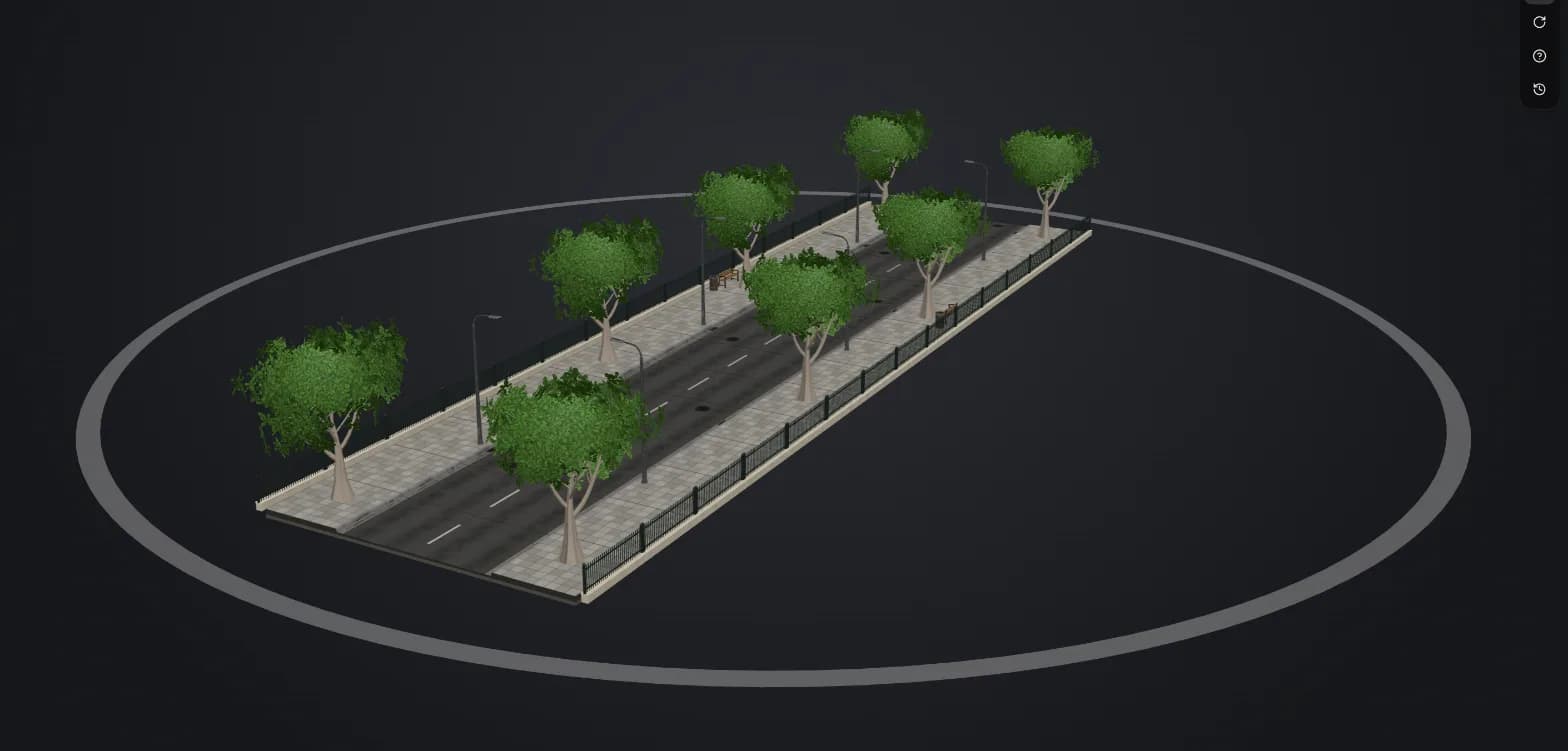
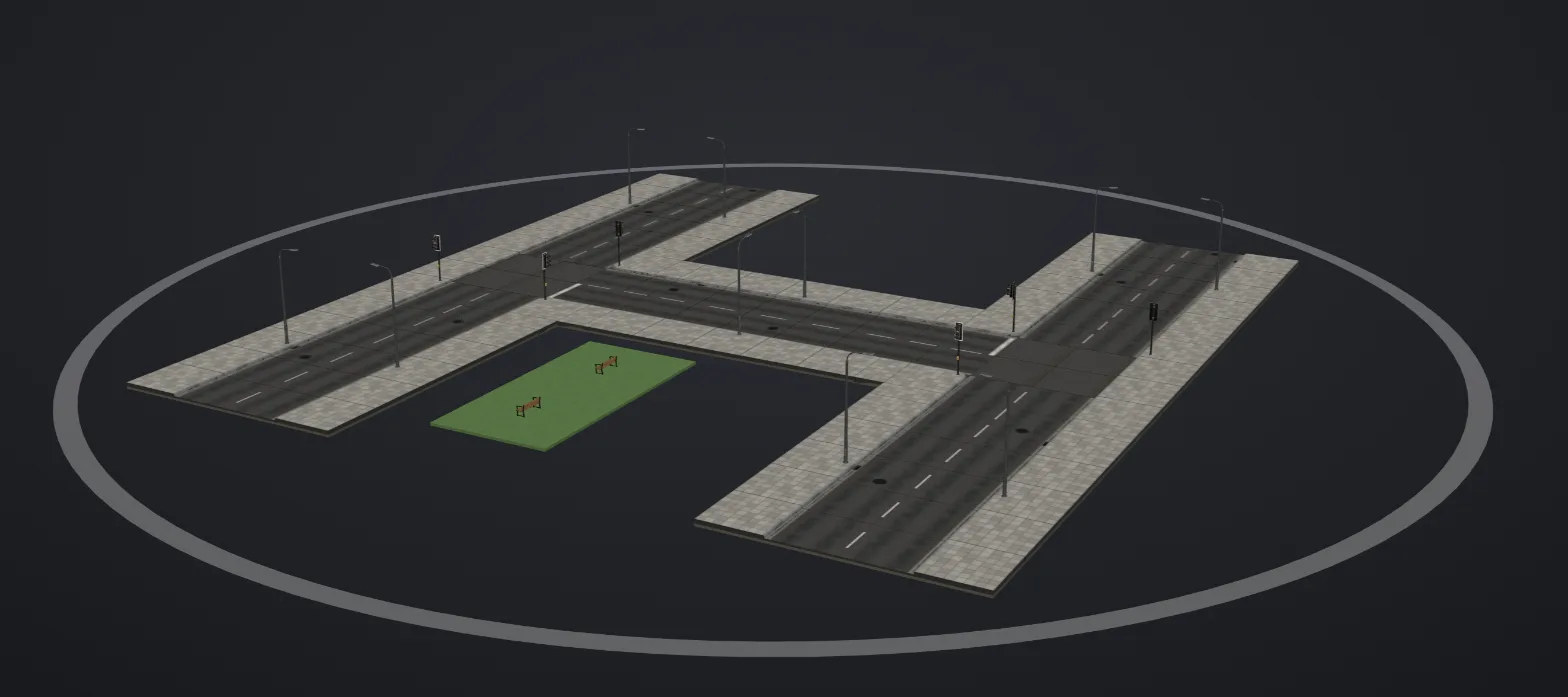
The Town Street Starter (150 credits) lays out roads, kerbs, pavements and street furniture for you: straight streets up to 100 m, corners, T-junctions, crossroads and now road networks on a 20 m grid, with zebra crossings, lamps, benches, bins, bollards, a bus stop and traffic signals spaced along the pavements.
You can also put pieces exactly where you want them, on a map of the street or straight in the 3D view. A ghost shows green where a piece fits and red where it doesn't, with the reason; pieces snap to the pavement's lines, line up with each other and turn in 15 degree steps. Drag to paint a line of bollards or fill an area with grass, and the plot grows to take it.
Three packs add more to it:
- Park Pack (100): trees, heritage lamps, railings, hedges, lawns, paths, a fountain and more.
- Pond & Lake Pack (100): lake shores that join into any lake, streams, ponds, a footbridge, a jetty and a rowing boat.
- Funfair Pack (150): a carousel, a Ferris wheel, a helter-skelter, swing boats, a teacup ride and the stalls to go with them.
The new guide walks through it: Build a street in AssetLoom Studio.
High street shops
The High Street Shops Starter (200 credits) builds brick and stucco shops with real shopfronts, from a corner bakery to a modern boutique, in rectangle or L shapes for corner sites. The Shop Types Pack (100) adds eight shops that each look different, from a pharmacy and a butcher to a corner pub and a toy shop, and the Shop Interiors Pack (100) furnishes the Starter's nine shops so you can see the counters and shelves through the windows. Guide: Build a high street shop.
More for the house
- The Porch & Garden Pack (100) adds three porches, two gable chimneys and three fences with opening gates. Drag the porch along any facade and the gate along the front fence.
- The Kids' Bedroom & Nursery Pack (100) adds a bunk room, a kid's bedroom, a nursery, a playroom and a homework nook.
The house guide covers both.
Drag to edit, everywhere
Across Build, you now edit by dragging as well as clicking:
- Drag along a storey to paint windows, doors or shopfronts across a facade.
- Select a room set or a shop interior and drag it to another cell, or move it with the arrow keys, turn it or take it off from its toolbar. Cells it can't go on are dimmed, and a refusal says why.
- Drag a porch along its facade and a gate along its fence.
- Place, move and turn street pieces on the map or in 3D.
- When a change drops something, such as windows that no longer fit a shorter wall, a note says what went, and Undo brings it back.
Starters and Packs in the store
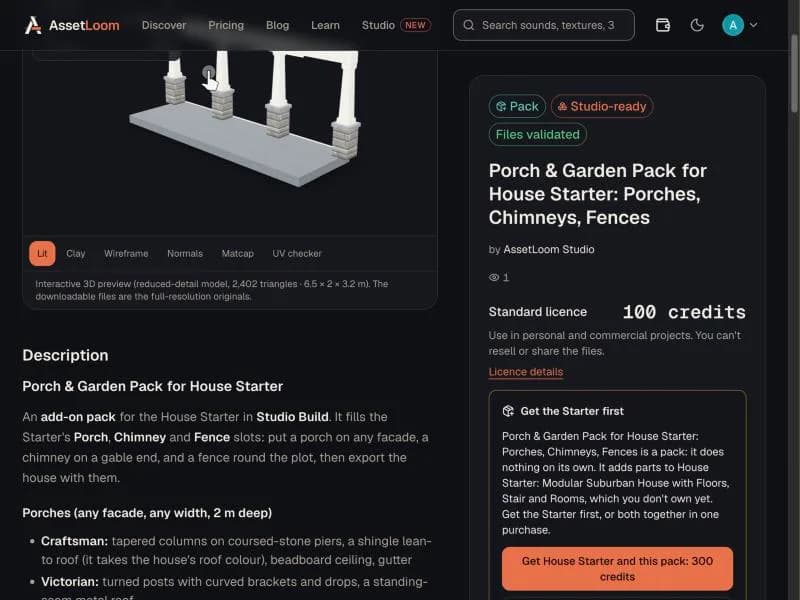
Studio products in the store are now labelled Starter or Pack. A Starter is the kit you build with; a Pack adds parts to one or more Starters and lists every Starter it works with. If you look at a Pack without owning one of its Starters, the page says so and offers both together in one purchase, so you never buy a pack you can't use.
Coming next: Studio Scenes
We are testing Scenes, a way to put your builds together: a street with its shops and houses, characters walking along the pavements and cars on the road, filmed from a moving camera. It is a staff preview for now. We'll write about it here when it is ready for everyone.
Thanks for building with Studio. If something could work better, tell us.
Spotted a mistake or have a question? Email support@assetloom.io.
More from the blog
All posts
AI & industry
Unreal Engine 5.9 Preview puts AI agents in the editor: what game developers should know
Epic's Unreal Engine 5.9 MegaJam Preview adds editor AI agents, Unreal Canvas for generated meshes and AI animation. What shipped and what to check.
, 6 min read

Behind the build
How we make animation clips that chain, loop and keep hands on the body
One shared idle, Start/Loop/End clips and hands that stay on the skin: how we build humanoid clip packs with no pops at the seams, and what you can reuse.
, 7 min read

AI & industry
Half of October's new Steam games disclosed AI content: what Steam asks and how to be ready
49.9% of October 2026's new Steam games disclosed AI content. What Steam's AI disclosure asks, what Valve said, and how to keep a provenance record.
, 6 min read